Marketing
Protect the brand every time the site changes.
Most accessibility problems start as a small update nobody flagged. TrustScans watches the whole site so your team can keep shipping and sleep.
What marketing get
A fresh score on every update
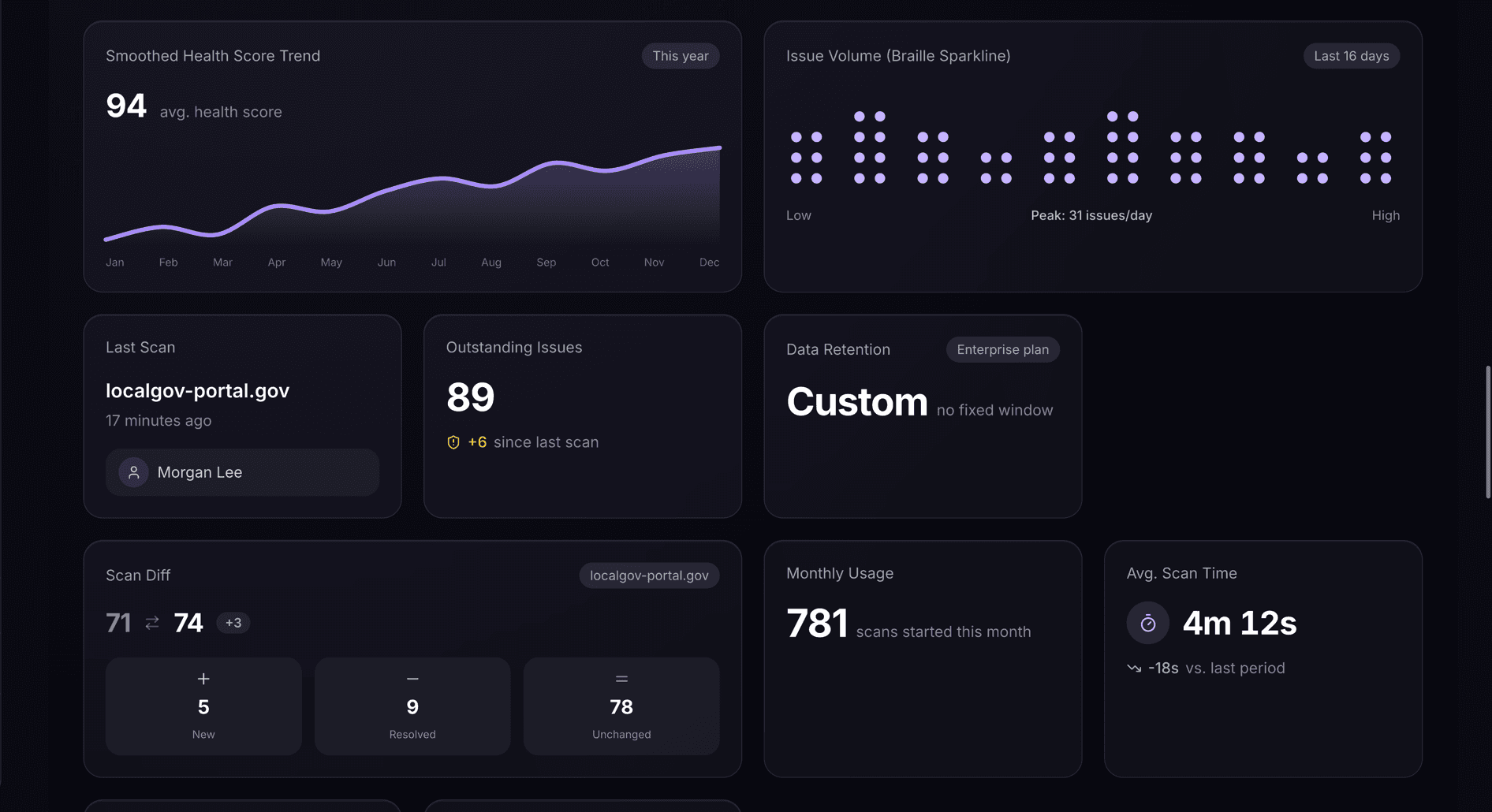
Each site update is rescored automatically. A noticeable drop gets flagged with the exact page and issue before anyone else finds it.
See what changed
Compare any two scans side by side. Spot the moment an issue appeared and share the diff with whoever needs to fix it.
Quiet by default
No noisy alerts on every scan. Only the ones that matter, score drops or new critical issues, make it to your inbox or Slack.
Client-ready exports
Pull a polished PDF for a stakeholder review in two clicks. No slide decks, no screenshots, no explaining WCAG to anyone.
Speed is the risk
The campaign launches Friday. Nobody checks contrast on a Friday.
Marketing moves fast because it has to. A new landing page, a swapped hero image, a last-minute copy change: none of it goes through an accessibility review, because there isn't time. TrustScans is the review that happens anyway, automatically, after the fact.
Ship
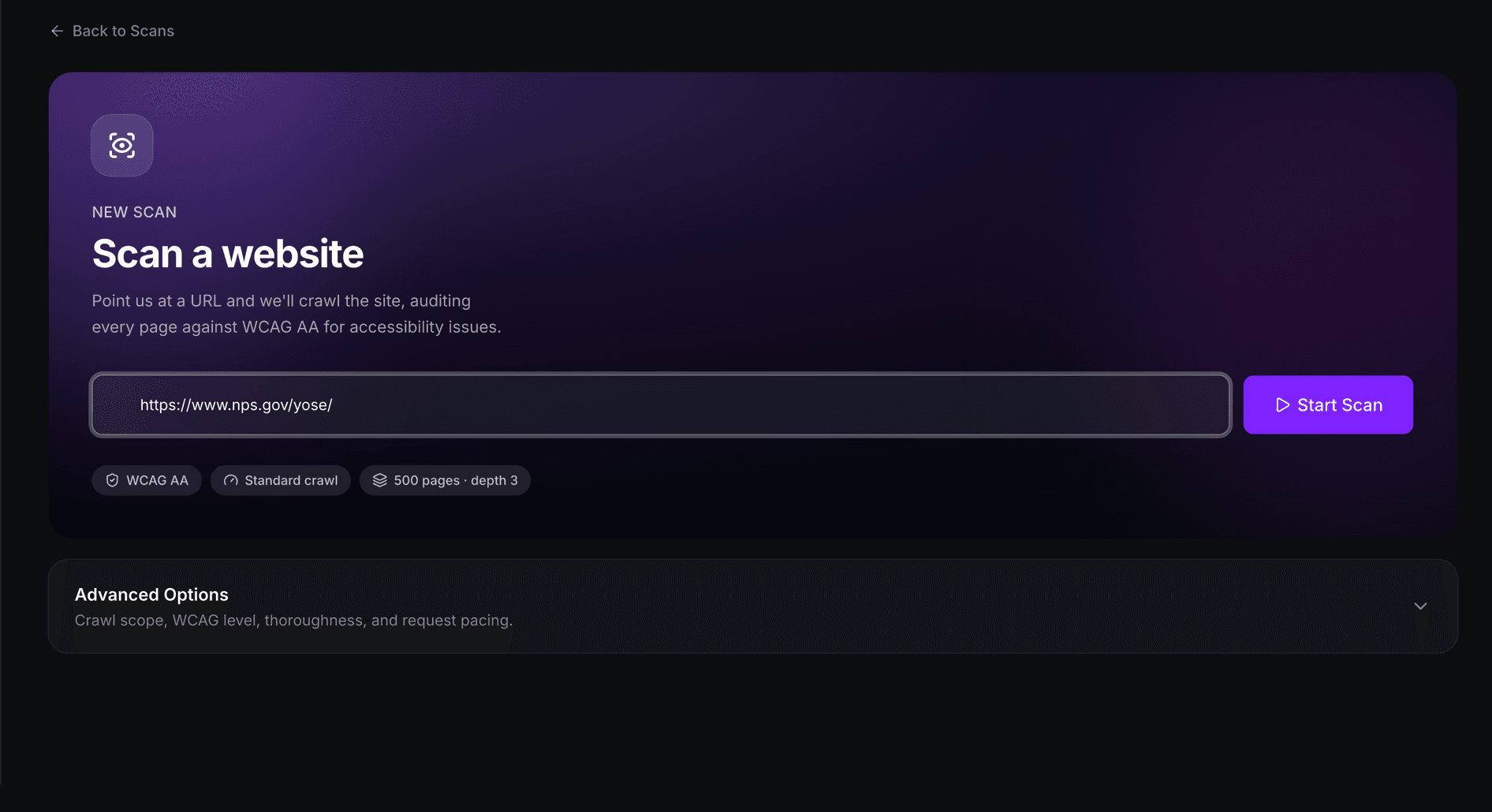
Marketing keeps shipping at its normal pace.
New landing pages, campaign sites, and content updates go out the way they always have. Nothing about your workflow has to change.
Watch
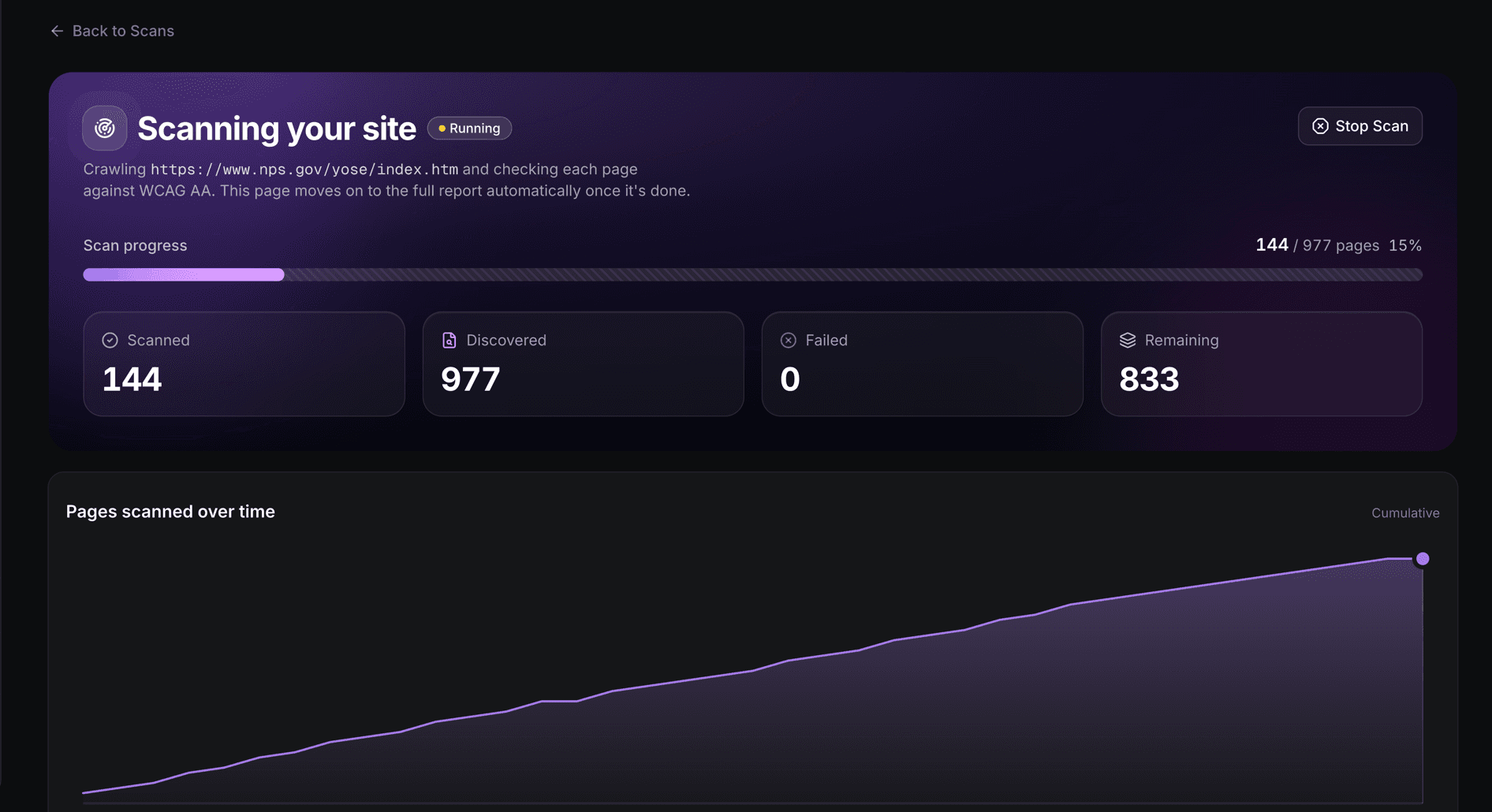
Every change gets rescored in the background.
TrustScans rescans automatically after a site update, so the score always reflects what is actually live right now.
Catch
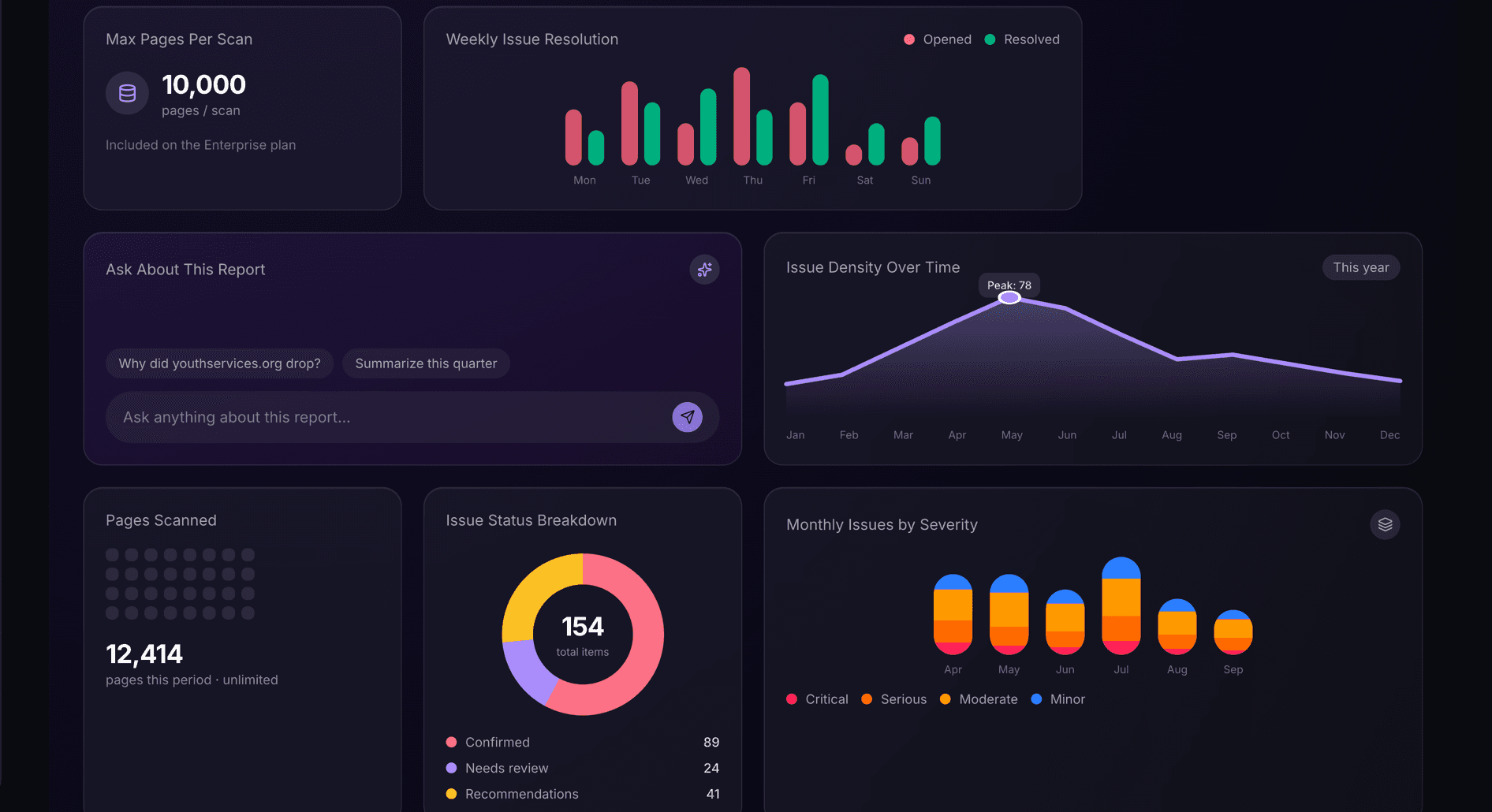
A score drop names the exact page.
When something breaks, you find out from TrustScans, with the exact page and issue, not from a customer complaint or a legal letter.
Resources
Before you scan: the checklist.
Not sure where to start? Walk through a 30-item accessibility compliance checklist, grouped the way real teams actually get their site audit-ready. Share it with your lawyer, your client, or your next hire.
A few of the 30 items
Inventory every public URL and note who signs off.
Confirm every interactive element has a visible focus style.
Document your target WCAG level and remediation SLA.